
You might be interested in

07.09.2026
Startup story: SignalTrue X Tehnopol Startup Accelerator
Each year, dozens of high-potential startups develop their product or service in Tehnopol Accelerator’s main programme and special accelerators. One of them is SignalTrue. Business leaders can see sales, finances, projects and...
23.07.2026
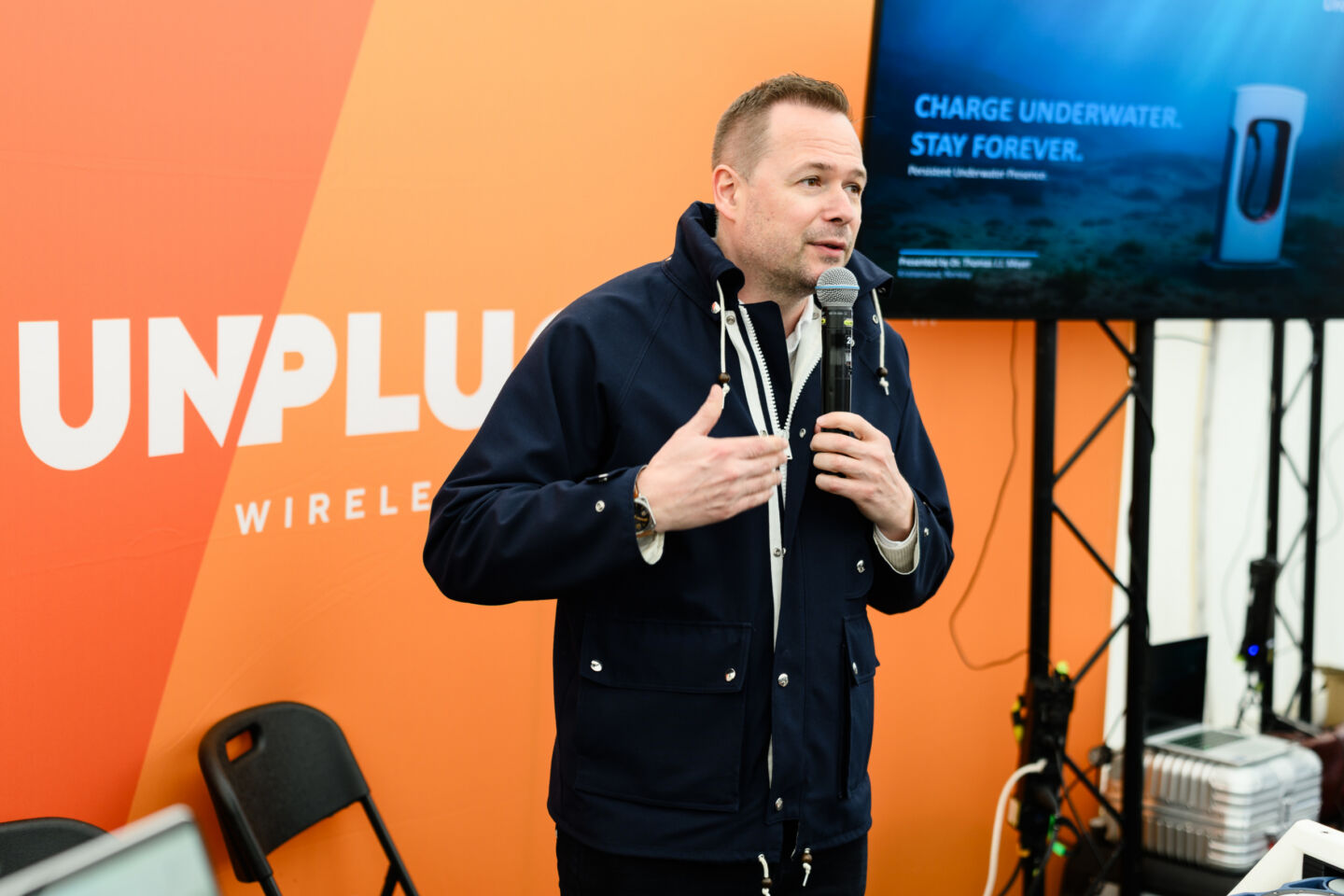
Startup Story: Unplugged X NATO DIANA Estonian Accelerator
Unplugged's technology is inherently dual-use. Commercial offshore operations need greater uptime and fewer interventions, while defence users need persistent unmanned systems that can remain powered and connected underwater.

12.05.2026
Startup story: Askara Solutions X Tehnopol Cyber Accelerator
Each year, dozens of high-potential startups develop their product or service in Tehnopol Startup Incubator’s main programme and special accelerators. One of the teams currently building in the Cyber Accelerator is Askara...